How to change server version
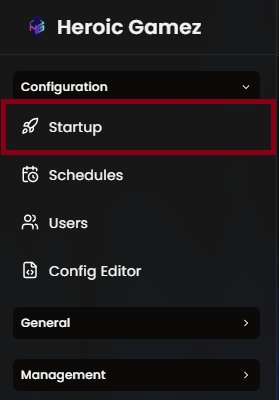
- Access the 'Startup' under the 'Configuration' on the sidebar.
Look for the 'Beta Branch' section and change it to the desired version.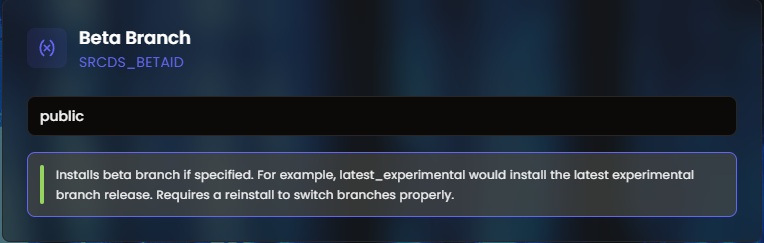
You can check the correct syntax by going to Steam and right click your 7 Days to Die and go to properties and select the 'Betas'.
E.g. 'alpha21.2'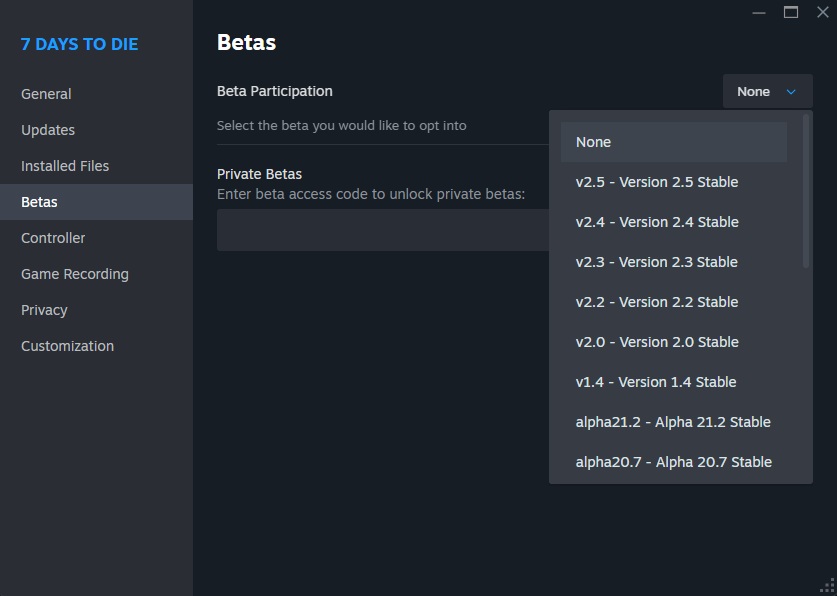
Access 'Settings' under 'General' tab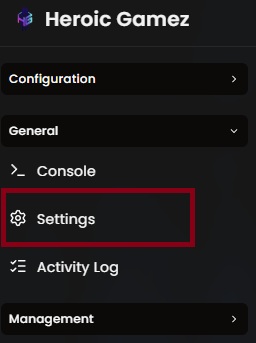
And trigger a 'Reinstall'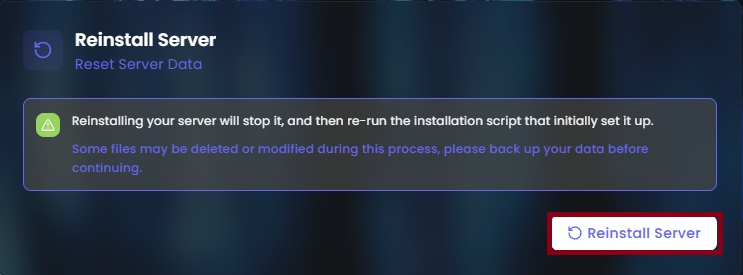
After the reinstall, your server would now run the version that was set.