How to add admins (all platforms)
For Steam users, you can find your SteamID64 here: https://steamid.io/lookup
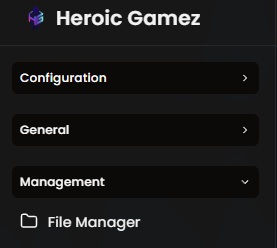
Login to the GamePanel, and acess 'File Manager' under the 'Management' tab in the sidebar.
Open 'serveradmin.xml' and add your userID in the respective platform.
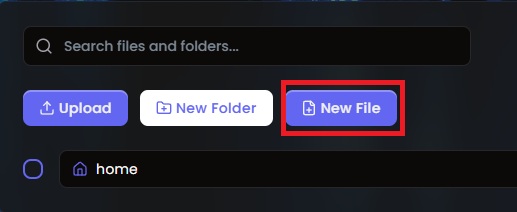
Add/Edit the following line according to your platform:
Steam:
<user platform="Steam" userid="YourSteamID64Here" permission_level="0" />
Epic:
<user platform="EOS" userid="YourEpicOnlineServicesIDHere" permission_level="0" />
PlayStation:
<user platform="PSN" userid="YourPlayStationIDHere" permission_level="0" />
Xbox:
<user platform="XBL" userid="YourEpicOnlineServicesIDHere" permission_level="0" />
Restart your server